

In short
Approval can say Needs approval before you have checked the live page. Verify opens that product in Seller Central, and the extension reads the answer Amazon shows. Say a toy says Needs approval. Click Verify, and pick New in the condition list. If Amazon says you can sell it, the cell turns Approved. If it still needs approval, the tab stays open so you can apply there. The extension only reads pages. It doesn’t take any action on Amazon for you.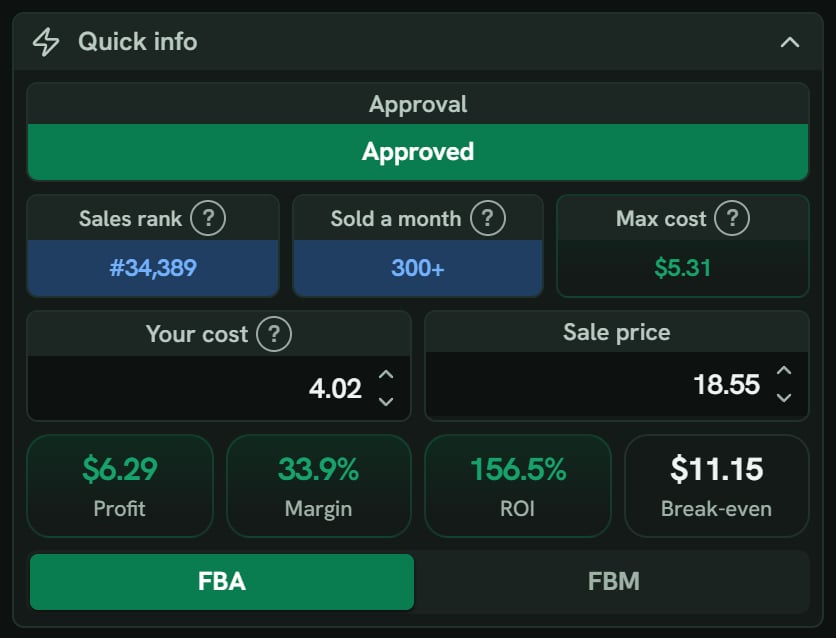
Hair dye: Quick info with Approved on a green bar.
More details
The three answers
The three answers
- Approved means Amazon is letting you sell it.
- Needs approval has the hover Amazon wants documents or more details before the seller can sell this. Apply in Seller Central.
- Blocked has the hover Amazon isn’t taking new sellers for this product right now.
While it runs
While it runs
The row says Checking in Seller Central…, and its hover says In Seller Central, pick New in the condition list.
The Seller Central tab
The Seller Central tab
Close Seller Central after a check is on to start. The tab Verify opened then closes by itself, unless the answer is Needs approval. Tabs you opened stay open.
If Verify can't finish
If Verify can't finish
Point at Needs approval to see why: SourceDock couldn’t read Amazon’s answer. Try again. or Another check is running. Try again when it’s done.
Check now
Check now
Check now is for a product not checked yet. It asks SourceDock, not a new Seller Central tab. It can say Checking… or SourceDock couldn’t check. Try again. With no store, it says Connect your store to check or Reconnect Amazon to check.