

In short
Click Connect with Amazon, then pick your Amazon store. Amazon’s own page opens. Sign in and approve, and Amazon sends you back. The card says Amazon connected. Click Import my history, or wait 5 seconds and it moves on.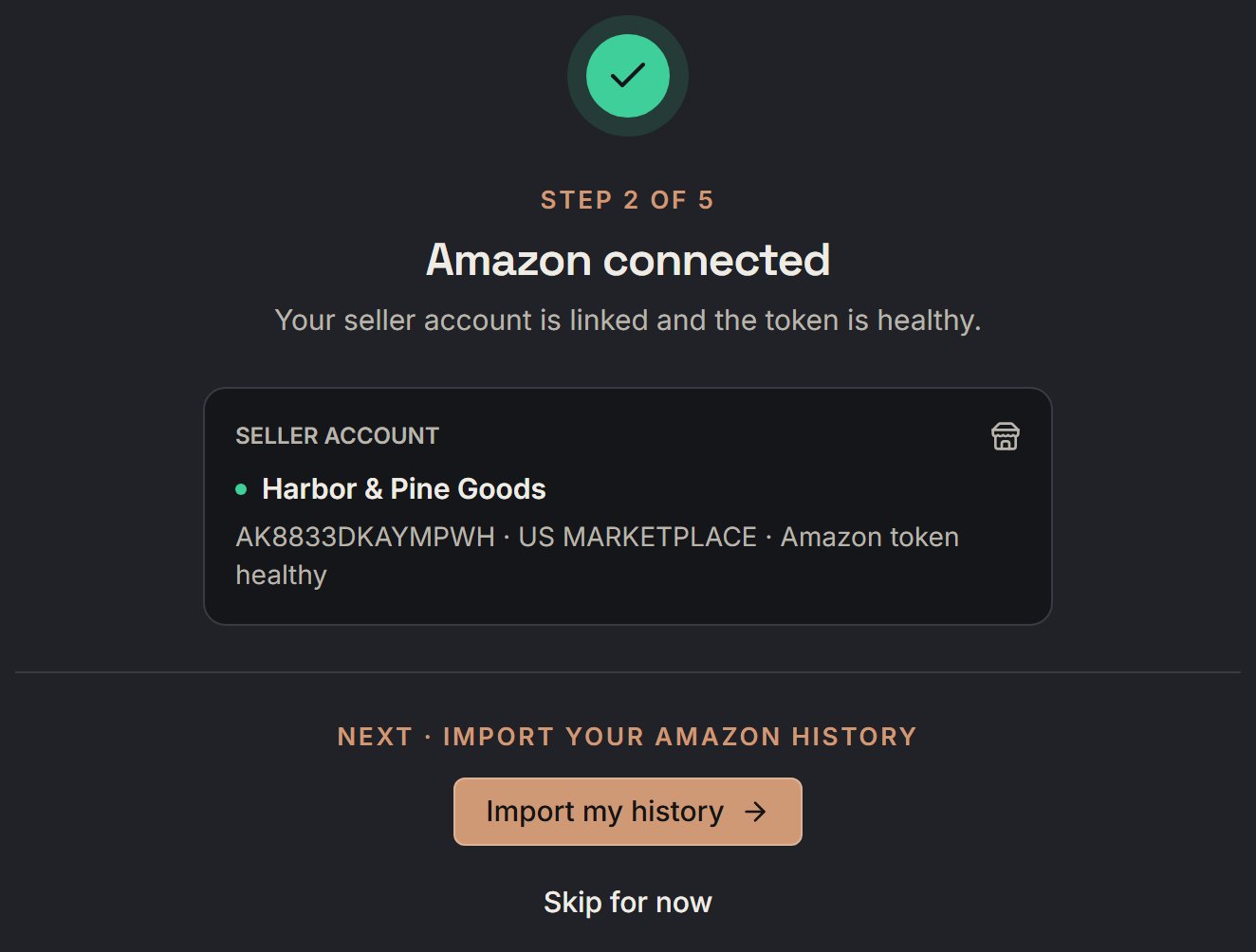
Harbor & Pine Goods: the card after Amazon says yes. Notice the green dot by the store name and the words Amazon token healthy.
More details
What the card promises
What the card promises
- SourceDock reads restrictions, catalog, pricing, and fees
- It never lists products, changes prices, or places orders
- Capital Recovery also reads financial and settlement data
- Your Amazon connection is locked with strong encryption.
- SourceDock only sends Amazon’s review request, and only if you turn it on
US, Canada, and Mexico
US, Canada, and Mexico
Say Amazon lists your store in the US and in Canada. One approval adds both, US first. Each one starts its first read by itself. So the scan may already be going on the next step.A Mexico store comes later. SourceDock adds it once your US store shows a Mexico order. You don’t approve it again. A Mexico store is for the Sales page only.
What the status says
What the status says
The name on the card is Amazon’s name for your store. With no name, it’s your seller ID.
If Amazon doesn't say yes
If Amazon doesn't say yes
- Amazon did not confirm the connection. Nothing was saved. Click Try again, or Enter SourceDock anyway and connect later.
- This Amazon store has already used its free trial. Choose a plan to connect it. There’s no Try again on this one.
- Connection failed means Amazon’s page didn’t open.