

In short
Your plan shows your plan, its price, and your next charge. Under it are your card, the code box, your invoices, and Compare plans. Say you’re on Premier. Your plan says Active and “$29.99/mo”. The right side says Next charge, with the amount, the date, and your card.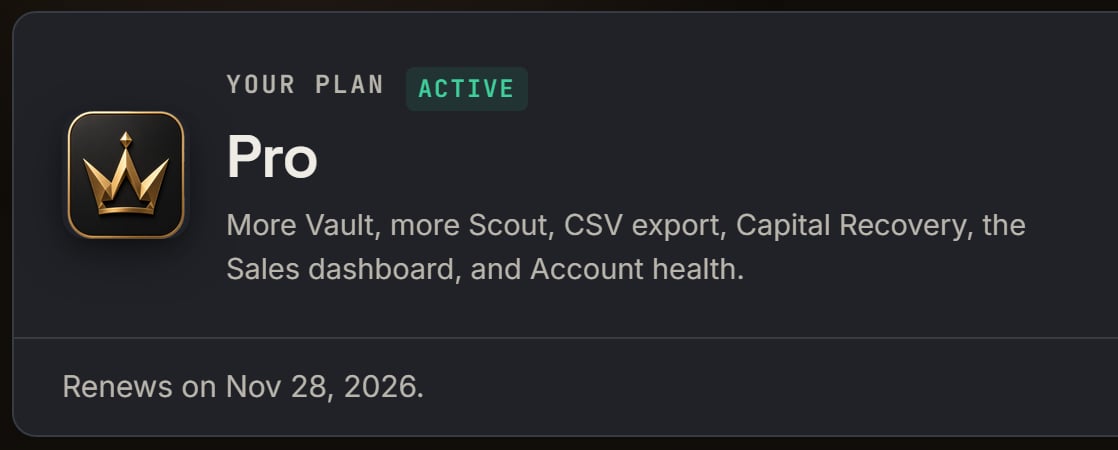
A paid Pro plan: the left side of Your plan. Notice the green Active pill and Renews on Nov 28, 2026.
More details
Your card
Your card
Payment method shows your card, like “Visa ending in 4242”. Click Add a card or Update card, type your card, and click Save card. You see Card updated. Stripe keeps your card. SourceDock never sees your card number.
Invoices
Invoices
Invoices lists your bills, newest first. The first 5 show. Click Download PDF to save one.A status can say Paid, Free for a paid invoice of $0, or Failed when your card turned it down.Amounts on these pages leave out sales tax. Stripe adds it when your address needs it, and your receipt names it. A receipt email goes to your account email each time you pay.
Company details
Company details
Need your business name on your invoices? Fill in Company details for invoices and click Save company details.If Stripe turns down a tax ID, you see Stripe says that tax ID isn’t valid. Check the number and try again. Nothing was changed. With no plan yet, it says Start a plan first. Your company details save once you have one.
Compare plans
Compare plans
It’s folded while a plan is on. Its line stays “Premier $29.99 · Pro $49.99 per month”, even with the cards inside on Yearly. Your own card’s button says Current plan.See What each plan has.
Refunds
Refunds
All plans are non-refundable. You can cancel anytime from this page, and you keep access to the end of the time you paid for. The page links the Refund policy.
Once a year
Once a year
A monthly plan also gets a reminder of its terms once a year, with a renewal about a month before the yearly date of your first paid day.